
Workflow Guide: Notification for Opened Emails
Here is a guide on how to get an email notification whenever a contact opens an email:
- Navigate to Tools & Reporting > Automations tab > Workflows
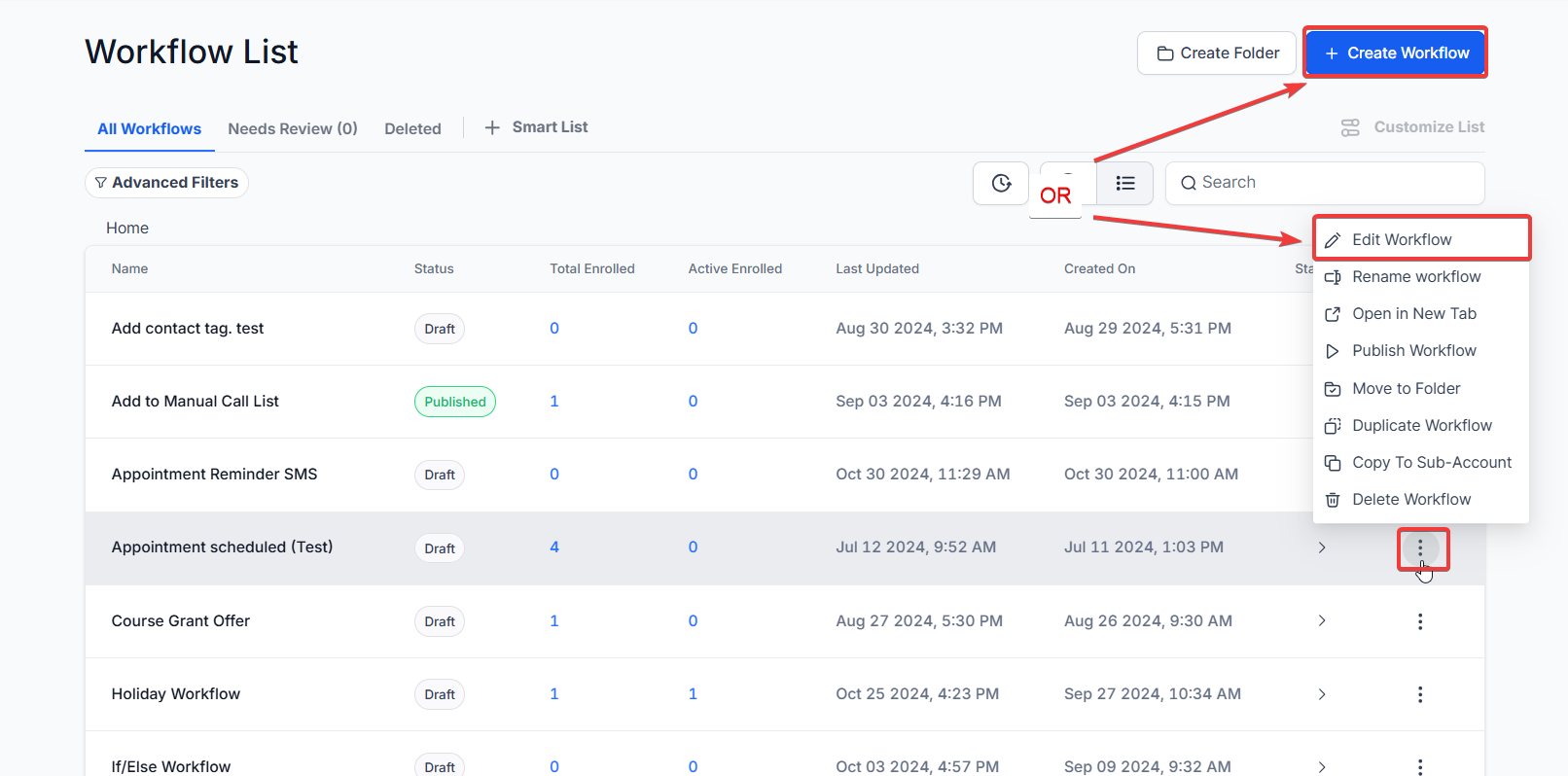
- Create a Workflow or edit an existing one.
- Add the Email Events trigger, filter for “Opened,” and save the trigger.

- You may also specify which workflow the email event took place in.

- Add the Internal Notification action, select email for the type of notification, select the user type, and customize the email with a timestamp and other custom values of preference.


- Make sure to publish and save!

FAQ
1. How do I set up an email notification for when a contact opens an email?
To set up an email notification, first add the Email Events trigger and filter for “Opened.” Then, add the Internal Notification action, select email for the notification type, and customize it with details such as a timestamp and custom values.
2. Can I specify which workflow the email event occurred in?
Yes, you can specify the workflow in which the email event took place when setting up the Email Events trigger.
3. What information can I include in the internal email notification?
You can customize the internal email notification to include details such as a timestamp and other custom values relevant to the email event.
4. What should I do after setting up the Email Events trigger and Internal Notification action?
After configuring both the Email Events trigger and the Internal Notification action, make sure to publish and save the workflow to activate the email notifications.
5. What type of notification should I select to receive an email alert?
When adding the "Internal Notification" action, you must specifically select email as the notification type to receive the alert.
6. Who can receive these internal notifications?
Within the Internal Notification action, you can select the User Type. This allows you to send the alert to the assigned user for that contact, a specific teammate, or a custom email address, ensuring the right person is notified immediately.